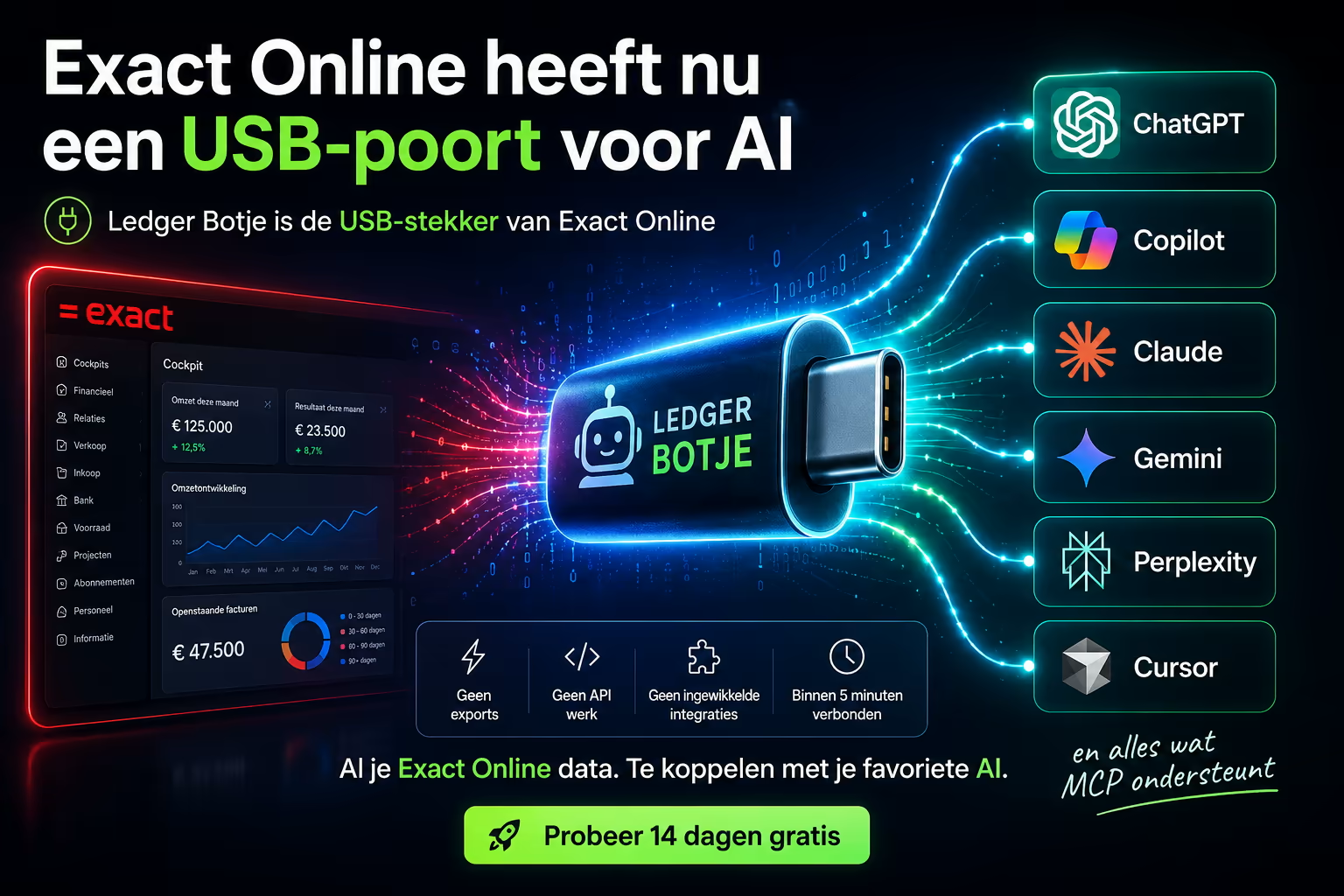
Everyone knows the feeling: you plug a USB stick into your laptop and it just works. No manual, no IT department, no hassle. What if Exact Online had a USB port like that — but for AI? That is exactly the idea behind Ledger Botje: the plug that connects your entire Exact Online administration to your favourite AI assistant in one go.
Exact Online + AI, without an integration project
Normally “connecting systems” means a project: a developer, a hundred-page API reference, testing, maintenance. Ledger Botje flips that around. You do not have to build anything. You plug it in — connect Ledger Botje to your Exact Online and then to your AI — and from that moment you simply talk to your accounting in plain language.
Just like a USB port, it does not matter which “device” you plug in. ChatGPT today, Claude tomorrow, Copilot next week: the same connection works for all of them.
Which AIs can you plug in?
The connection works with virtually every modern AI assistant:
- ChatGPT (OpenAI) — the best known, ideal to start with.
- Microsoft Copilot — handy if you already work in Microsoft 365.
- Claude (Anthropic) — strong at reasoning precisely over figures and long overviews.
- Google Gemini — convenient within the Google ecosystem.
- Perplexity and Grok — also simply connectable.
Because the connection is identical for every assistant, you are never locked in. Switching AI later? Pull the plug and put it in the next one.
What is that “USB port” technically?
The magic behind the metaphor is called MCP (Model Context Protocol): an open standard that lets AI assistants talk securely to external systems. Think of MCP as the USB standard of the AI world — one agreement that all major AI vendors follow. Ledger Botje is the MCP server that unlocks your Exact Online data. Want to know more? Read what MCP actually is or check the MCP connection guide.
So what can you ask your AI?
Once it is plugged in, you ask questions or give instructions in plain language:
- “Which invoices are open above €1,000 and for how long?”
- “How much revenue did we make this quarter compared to last year?”
- “Create a sales order for customer De Vries: 10 units of item A-200.”
- “Which customers structurally pay too late?”
Through Ledger Botje the AI pulls exactly the right data from Exact Online and does the lookup work that would otherwise easily cost you half an afternoon.
Safe: read-only unless you decide otherwise
Plugging something in only feels good if you can pull it out just as easily. That is why Ledger Botje is read-only by default: the AI may request and report everything, but only once you enable read-write per user can it actually post entries or create orders. The connection is encrypted, runs via OAuth (you never hand over your password) and you revoke access with one click. You can read how we set up security in the security explainer.
Up and running in three steps
- Connect Ledger Botje to your Exact Online (OAuth consent, one click).
- Choose your AI assistant (ChatGPT, Claude, Copilot, Gemini …) and add the MCP server.
- Ask your first question — done.
No developer, no waiting. The full walkthrough is in the MCP connection guide.
Conclusion
Exact Online now has, figuratively, a USB port for AI — and Ledger Botje is the plug. All your administration data, connectable to the AI of your choice, without an integration project. Curious how that feels? Try Ledger Botje free for 14 days and plug your first AI assistant into your Exact Online today.